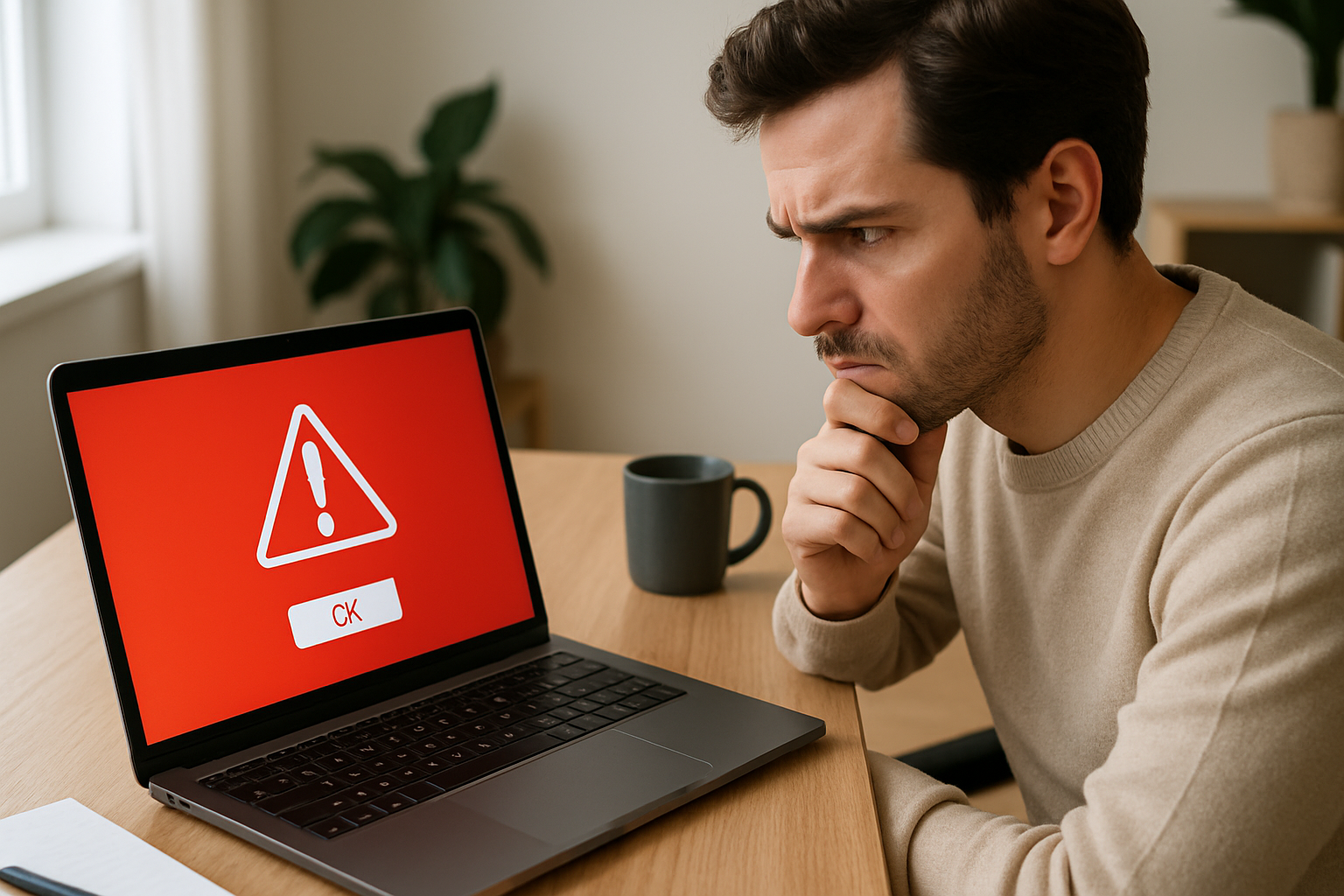
You are browsing normally — reading the news, watching a video, checking a recipe — when a window fills your screen. It tells you your copy of Windows is dangerously out of date, your computer may already be infected, and you must act now. A countdown timer ticks toward zero. The message looks exactly like something Microsoft would send. This is how fake software update scams begin, and they catch careful people every day.
What a fake update scam actually looks like
The pop-up copies the real thing closely. It uses the correct logo, the right shades of blue or green, and the same plain language that real update notices use. Some versions play a loud alarm. Some freeze your browser so you cannot close the tab easily, making it feel like the problem is already happening to your machine.
Nothing has actually gone wrong with your computer at this point. The page is using fear as a lever. There is no technical attack — the scam works entirely by getting you to act before you think. That is what makes it a form of social engineering rather than hacking.
Why these scams work so well on ordinary people
Real software genuinely does send update notices. Windows pops up reminders. Your phone asks you to install a new version of an app. Because the fake version mimics normal computer behaviour, it does not immediately feel wrong.
Phrases like “your device is at risk” and countdown timers are not accidental. They are deliberate design choices built to stop you pausing to question what you are seeing. Scammers also pay to place these pop-ups inside advertising slots on websites you already trust, or they inject code into pages that have been compromised. You do not have to visit a suspicious site to see one.
Older adults and people who did not grow up around computers are targeted most often, but anyone distracted or in a hurry can be caught. The design is built for that moment of inattention.
There is a deeper reason these schemes keep working. Online systems have no reliable way to confirm that the person or business behind a website is who they claim to be. Anyone can buy an ad slot, register a domain, and dress a page up to look official. Because there is no solid link between a real, accountable identity and online actions, the response to fraud is almost always to chase the perpetrators after the harm is done, rather than prevent the deception from being possible in the first place. Fake software update scams are a direct result of that gap.
What happens if you click
Clicking the button usually leads to one of three things:
- A file downloads to your computer, disguised as an installer.
- You are taken to a page that asks for your email address and password.
- A chat window or phone call connects you to a fake technical support agent.
If malware gets installed, it can record every key you press, pull saved passwords from your browser, lock your files and demand payment to restore them, or quietly use your machine to attack other people’s computers.
Here is the important detail: clicking alone rarely causes the damage. Downloading the file and then opening it is usually the dangerous step. If you clicked and a file appeared in your downloads folder but you have not opened it, you still have time to stop.
How to tell a real update from a fake one
These rules are simple enough to remember:
- Windows updates arrive through Settings → Windows Update, not through a browser window.
- macOS updates come through System Settings → General → Software Update.
- Chrome and Firefox update silently in the background. Chrome shows a small coloured arrow on the menu icon when a restart will apply an update. Neither browser interrupts you with an alarm.
- If the pop-up shows a phone number, it is a scam. No legitimate software company asks you to call them to install an update.
- Look at the address bar. If you are on a page you did not choose to visit, close that tab.
The safest habit: if you are genuinely worried your software is old, close the browser, open the application itself, and look for an update option inside its own menu. Go to the source directly.
What to do if you already clicked or downloaded something
Do not call any number the pop-up gave you. Work through these steps instead:
- If a file downloaded but you have not opened it, go to your Downloads folder, delete the file, and empty the bin.
- If you opened and ran the file, turn off your Wi-Fi immediately. On a laptop, click the Wi-Fi icon and disconnect. This cuts off any connection the malware may be trying to make.
- Run a scan with your existing security software. If you do not have any, Malwarebytes offers a free version that is well regarded and straightforward to use.
- Change your email password and the passwords for any accounts you were signed into when the pop-up appeared. Do this from a different device — your phone is fine — in case the first machine is still compromised.
- Tell everyone in your household. Other devices on the same home network may have been reached, and they need to check too.
Setting up genuine auto-updates so you never feel pressured
The best way to remove the anxiety that makes fake alerts effective is to know your real updates are already running.
- Windows: Go to Settings → Windows Update → Advanced Options and switch on automatic updates.
- macOS: Go to System Settings → General → Software Update and tick “Install updates automatically”.
- Chrome and Firefox: Both update themselves when you close and reopen the browser. You do not need to do anything extra.
- Your phone: In iPhone Settings, go to App Store and turn on App Updates. On Android, open the Play Store, tap your profile icon, go to Settings → Network Preferences → Auto-update apps.
When you know updates happen without your involvement, an urgent pop-up demanding immediate action has no grip on you.
Teaching this to the people around you
Scammers rely on victims staying quiet out of embarrassment. Talking openly about fake software update scams with your family takes that advantage away.
One practical household rule: before anyone clicks an unexpected warning on screen, they show it to someone else first. Two seconds of “does this look right to you?” stops most of these scams cold.
Children and teenagers are not immune. These pop-ups appear frequently on gaming and streaming sites, and younger users may click without hesitation. A quick conversation about what real updates look like is worth having.
On any shared computer, bookmark the actual update settings page — the Windows Update screen or the macOS Software Update screen — so anyone in the house can check for genuine updates without needing to search online and risk landing on a fake page.
Frequently asked questions
Can a fake update pop-up harm my computer just by appearing on screen?
In almost all cases, no. A pop-up appearing on your screen does not by itself install anything or damage your device. The harm comes from downloading a file and then opening it, or from handing over a password or letting a stranger take remote control. Close the tab, clear your downloads folder if anything appeared there, and you have almost certainly stopped the threat.
How do I update my software safely without falling for a fake alert?
Never update software through a pop-up in your browser. Instead, open the application you want to update and look for an update option inside its own settings or help menu. For your operating system, go directly to the Settings or System Settings app on your computer and find the update section there. If automatic updates are switched on, your software is already being kept current without you needing to respond to any alert at all.
What if I called the phone number in the pop-up and gave someone remote access to my computer?
Act quickly. Disconnect from the internet first — unplug the ethernet cable or turn off Wi-Fi. Then run a full malware scan using Malwarebytes or your existing security software. Change the passwords for your email, your bank, and any other important accounts from a separate device. If you gave payment details to the caller, contact your bank directly and explain what happened. Consider asking a trusted local computer repair shop to check the machine before you reconnect it to the internet.
Mafiology tracks the tactics behind these schemes so you can recognise them early. Get our fraud-pattern alerts, plus a free copy of Wes Kussmaul’s Escape the Plantation on how scammers attack you and your family, and what can be done to