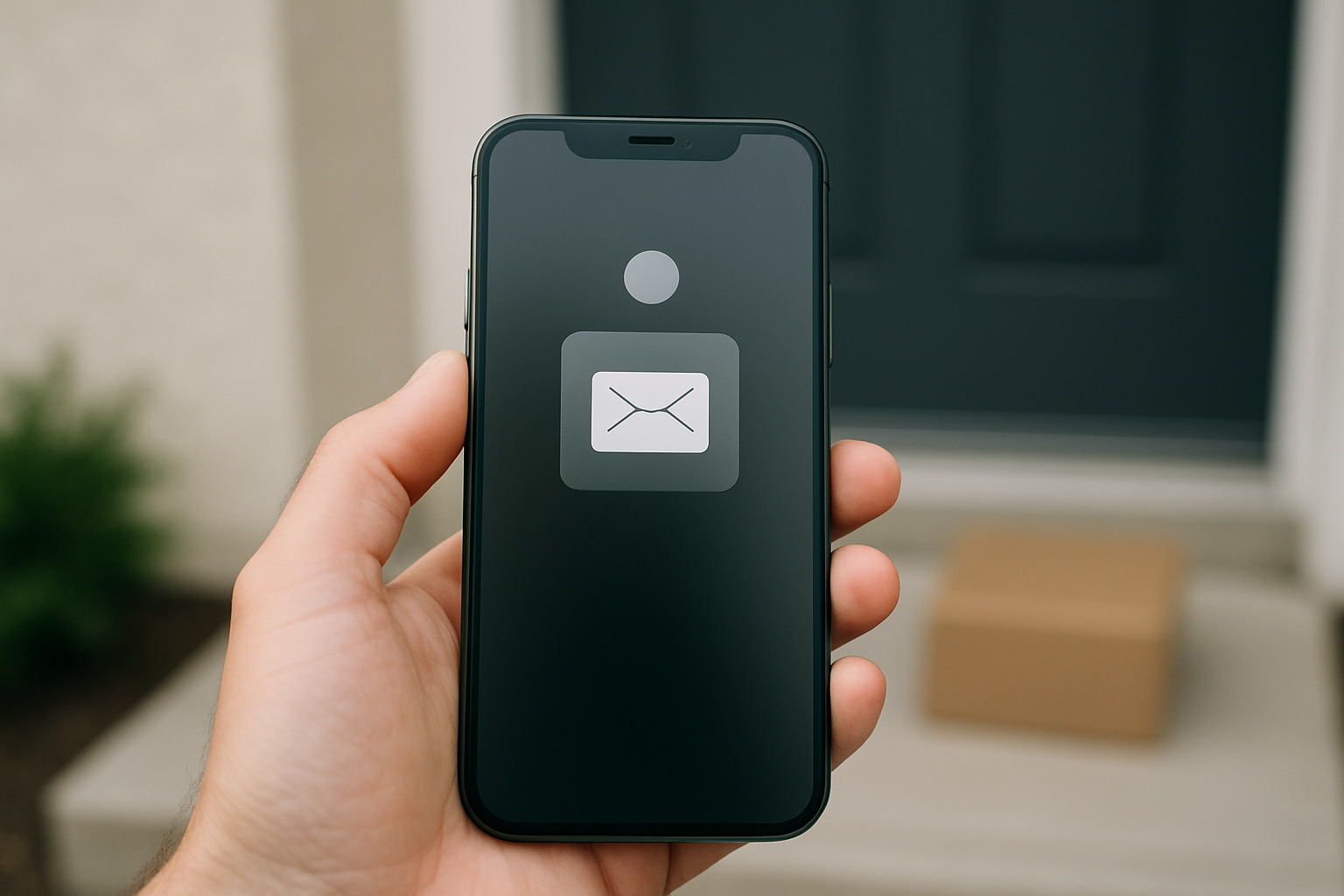
You get a text saying Royal Mail tried to deliver a parcel and you need to pay £1.99 to rearrange it. You were not expecting anything. Or maybe you were. Either way, something about it feels slightly off. This article explains exactly what the Royal Mail delivery text scam looks like, how to tell if a message is fake, and what to do right now if you have already tapped the link.
Why the Royal Mail Delivery Text Scam Keeps Working
Almost everyone in the UK orders things online. A missed-delivery text fits so neatly into normal life that most people do not stop to question it. Criminals time these messages to land during peak shopping periods, when the chances of you actually waiting for a parcel are highest.
The message costs almost nothing to send in bulk. Even if only one person in a thousand hands over their card details, the operation is profitable. That is the maths behind it.
There is also a deeper reason these scams keep running. Online systems have no reliable way to confirm that the person sending a text is who they claim to be. A sender can register almost any name they like — “Royal Mail”, “RM”, anything — and most phones will display it without question. Because there is no firm link between a digital identity and a real, verifiable person, the response to fraud is almost always to chase criminals after the damage is done rather than prevent the deception in the first place. Until that foundation problem is fixed, these scams will keep arriving.
Unlike email, most people have not yet trained themselves to be sceptical of texts. Suspicious emails feel familiar now. A suspicious text still catches people off guard.
What the Message Actually Looks Like
A typical fake message says something like: “Royal Mail: We were unable to deliver your parcel. A redelivery fee of £1.99 is required. Your item will be returned within 24 hours if unpaid.” It includes a link.
The sender name often shows as Royal Mail or RM, because phones display the sender name that was registered with the message — there is no automatic verification that the sender is who the name says.
The link is where the giveaway is. Royal Mail’s real website is royalmail.com. A fake link will look close but never match exactly: an extra word before the domain, a hyphen in the middle, or a different ending such as .top, .xyz or .info. Read the part immediately before the first single slash — that is the real domain, and everything after it can be made to say anything.
Urgency language is always there. Phrases like “within 24 hours” or “act now to avoid return” are deliberate pressure tools. Some versions include a fake tracking number, which adds a thin layer of false credibility.
The Six Signs That Give a Fake Text Away
- You were not expecting a delivery, or your retailer’s own tracking app shows no problem.
- The link domain is not exactly royalmail.com. Anything extra — any added word, hyphen, or different ending — is a red flag.
- You are asked to pay a fee by card on a website before your parcel is released, when you never requested a redelivery or redirection.
- The message creates a tight deadline. That pressure is designed to stop you thinking carefully, not to help you.
- There is odd punctuation or grammar somewhere in the message — though newer versions are increasingly well-written, so do not rely on this alone.
- The page asks for far more than a delivery fee: full card number, expiry date, CVV, home address, and sometimes a password.
What Happens After You Tap the Link
The page you land on is built to look like the Royal Mail website. It uses copied logos and the same colour scheme. It asks for your card number, expiry date, and the three-digit security code on the back.
Once you enter those details, they go directly to whoever built the page. The £1.99 fee may or may not actually be charged — it almost does not matter, because the real target was your full card information.
Those details are then used for fraud directly or sold to other criminal groups, often within hours.
It is worth being clear about what the page cannot do, because this is widely misunderstood. A web page cannot reach into your browser and read your saved passwords, and it cannot read the login cookies belonging to other websites — browsers deliberately keep each site walled off from every other. The danger is not what the page takes. It is what you type into it. The only other real risks are a page that tries to persuade you to install an app or a “security tool”, and, far more rarely, one that exploits a flaw in a browser that has not been updated.
How to Check Whether a Delivery Text Is Real
These steps are specific and take less than two minutes each:
- Type royalmail.com directly into your browser. Do not tap the link in the text. Go to the site yourself and use their tracking tool.
- Enter the tracking number from the text into the official Royal Mail tracking page. If it is fake, the number will show nothing or an error.
- Check the confirmation email from the retailer you ordered from. It will have its own tracking link and a current status.
- Call Royal Mail on the number listed at royalmail.com if you are still unsure. Do not call any number mentioned in the text itself.
The simplest rule to remember: Royal Mail will not text you asking for a card payment out of the blue. If you did not request a redelivery or a redirection, and you are not expecting a customs charge on something from abroad, treat any payment demand as fake.
What to Do If You Already Tapped the Link or Entered Your Details
If you tapped the link but entered nothing, close the page. The risk is low. Make sure your phone’s software is up to date, and check that no new app appeared that you did not install.
If you typed in card details, do this today:
- Call your bank immediately using the number printed on the back of your card. Ask them to block the card and flag the account for fraud monitoring. Do not wait to see if anything suspicious appears first.
- Report it to Action Fraud at actionfraud.police.uk. It takes about ten minutes and creates an official record.
- Forward the original text to 7726 — the UK network operators’ free spam reporting shortcode. Your network will use it to block the sender for other people.
- Change any password you entered on that page. If you use the same password on other accounts — email, shopping sites, banking — change it on those too, starting with the most sensitive ones.
- Tell family members, particularly older relatives, what the message looked like. The same bulk send will have reached many people around you.
The Broader Trick Behind Every Delivery Scam
These texts work because they combine two powerful manipulation tools: relevance and urgency. Relevance makes the message feel personal — it lands when online shopping is at its highest and almost everyone is waiting for something. Urgency removes the moment of pause. When you believe you have 24 hours before a parcel disappears, your brain prioritises speed over caution.
Recognising that combination — a message that feels directly relevant to your life right now and demands immediate action — is the most useful habit you can build against online fraud. It applies to fake delivery texts, fake bank alerts, fake HMRC demands, and everything else in the same family.
Any message that is both highly relevant and time-pressured deserves an extra ten seconds of scrutiny before you do anything at all.
Frequently asked questions
Does Royal Mail ever send texts asking for a payment to release a parcel?
Not out of the blue. Royal Mail contacts people about a payment only where you have asked for a redelivery or redirection, or where a customs charge is genuinely due on an item from abroad — and for customs charges they will normally leave a card at your address or send a letter. An unexpected text with a payment link and a countdown is not how they work.
I forwarded the scam text to 7726 — is that enough?
It helps others, but it is not enough on its own if you entered any personal or card details. Forwarding to 7726 reports the sender to your network operator so they can block it. If you shared any information on the linked page, you also need to contact your bank and report to Action Fraud separately.
Can my phone get infected just from tapping the link in a fake delivery text?
On a phone with up-to-date software, opening a link is low risk. The page cannot read your saved passwords or your logins for other sites — browsers prevent that. The harm comes from what you enter on the page, or from agreeing to install something it offers you. Keep your phone updated, never install an app a web page pushes at you, and if you tapped a link and something felt wrong, check your installed apps for anything unfamiliar.
Mafiology tracks the tactics behind these schemes so you can recognise them early. Get our fraud-pattern alerts, plus a free copy of Wes Kussmaul’s Escape the Plantation on how scammers attack you and your family, and what can be done to stop them.