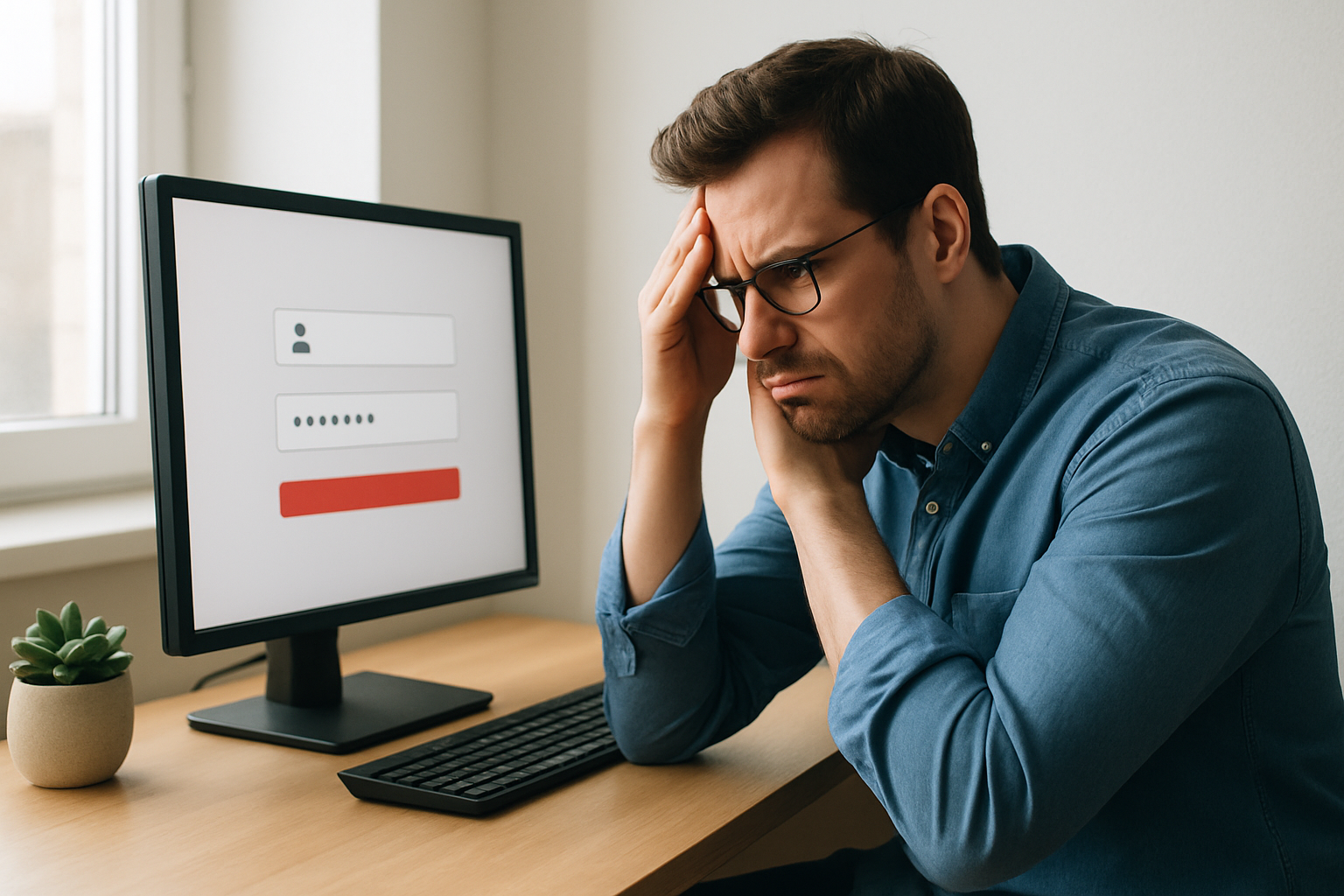
A Windows 11 security update released in September 2026 introduced a bug that prevents some users from signing in to their computers with their normal work or school credentials. The credentials are not wrong. The update broke the process that checks them, so the computer rejects a perfectly valid username and password. Microsoft has acknowledged the problem and shared a temporary workaround while a permanent fix is prepared.
If you are locked out right now and searching for a Windows domain login fix after update, here is what you need to know — including the scam risk that comes with every widely reported tech problem like this one.
What happened
Microsoft pushes security updates on a regular schedule. The September 2026 update was one of those routine releases. For most users it installed without issue. For a specific group, it silently broke the authentication process — the step where your computer checks your username and password against a central system before letting you in.
The result is a login screen that rejects correct credentials. Nothing about your account has changed. The update itself is the problem. Microsoft has confirmed this publicly and is working on a permanent fix, but as of now that fix has not arrived.
Who is affected
This bug affects Windows 11 users who log in through a domain. A domain is the standard setup at most workplaces, schools, and organisations where a central IT team manages all the computer accounts. Your computer talks to a server to verify who you are each time you sign in.
If you use a personal laptop at home with a local account — meaning your account lives only on that machine — or if you sign in with a personal Microsoft account, this specific bug is unlikely to affect you.
The clearest sign you are affected: you arrive at work, type the same password you have used for months, and the computer refuses it. No forgotten password. No expired account. Just a rejection caused by the broken update.
What the real risk is
The most immediate problem is being locked out of your work machine. That means no access to files, internal systems, email, or anything else that lives behind that login screen. For many people, that stops their working day entirely.
There is a second risk that matters just as much: scammers move fast. Within hours of a tech problem making headlines, fraudsters launch fake helplines, send phishing emails, and push pop-up messages offering to fix the problem. They target people who are anxious, distracted, and actively searching for answers.
The pattern is consistent. Someone calls you, or a message appears on screen, claiming to be from Microsoft or your IT department. They say they can fix your login problem. They ask for your password, remote access to your screen, or a payment. None of that is how real IT support works.
Anyone who contacts you first and asks for your password, screen access, or money to resolve a login issue is not there to help you.
What to do today
These are concrete steps you can take right now, not general advice.
If you are locked out at work
- Call your organisation’s IT helpdesk using a phone number you already have — from a business card, a previous email signature, or your employee handbook. Do not search for a support number online. Fake support pages rank highly during widely reported incidents, and calling the wrong number puts you directly in contact with scammers.
- Tell IT exactly what is happening: your password is being rejected after a recent Windows update, and you have not changed anything. They will know what you mean and can apply the official workaround on your behalf.
- Do not hand your password to anyone who calls or messages you first, regardless of how official they sound or what name appears on the caller ID. Caller ID can be faked. Legitimate IT staff do not need your password to fix a login problem — they have tools that work without it.
If you manage a small business or home office network
- Go directly to Microsoft’s official support website — type the address manually rather than clicking a link from a search result or email — and look for the published workaround for the September 2026 update login issue. Apply only what you find there.
- Do not download any tool or run any script sent to you by a third party claiming to fix the problem. These are common malware delivery methods during high-profile incidents.
For everyone
- Keep a note of any unusual calls, emails, or pop-ups you receive about this issue. Write down the number, the email address, or take a screenshot of the pop-up. Report these to your organisation’s IT or security team, or to your local consumer protection service. These reports help identify active scam campaigns.
Why this keeps happening
Software updates introduce bugs sometimes. That is a known cost of moving fast to patch genuine security vulnerabilities. The tension is real: leave software unpatched and you are exposed to known attacks; patch quickly and you occasionally create new problems. Neither option is clean.
What makes the scam side of this worse is a structural problem that goes beyond any single update. Online systems today have no reliable way to confirm that the person contacting you is actually who they claim to be. A scammer can register a phone number that looks like your IT department’s. They can send an email that appears to come from Microsoft. They can build a website that ranks above the real support page in search results. None of these things require much skill or money.
Because there is no dependable link between an online identity and a real, accountable person, the only response available is to chase fraudsters after the damage is done. There is no mechanism to stop someone from impersonating your IT helpdesk before they make the call. That gap is why incidents like this one — a real technical problem, widely reported — reliably produce a wave of fraud within hours. The confusion is the opportunity, and the opportunity is always available because accountability online is optional.
Understanding this cycle helps. Real problem reported. Scammers exploit the confusion. Official fix eventually arrives. When you know the pattern, you can slow down and verify instead of reacting to whoever contacts you first.
Frequently asked questions
Does this mean my password was stolen or my account was hacked?
No. The bug is in the process that checks your credentials, not in your credentials themselves. Your password has not been exposed and your account has not been accessed by anyone else. This is a software fault introduced by the update, not a breach.
How do I know if a call or message offering to fix this is a scam?
The clearest signal is who made first contact. If someone calls you, emails you, or a pop-up appears on your screen offering help you did not ask for, treat it as a scam until you can verify it independently. Real IT support waits for you to come to them. Also watch for requests for your password, remote screen access, or any form of payment — none of these are things legitimate IT staff need to fix a login problem.
Should I uninstall the September update to get back in?
Do not attempt this on your own if your computer is managed by an organisation. Removing updates on a work machine without IT approval can cause additional problems and may violate your organisation’s security policy. Contact your IT team first. If you manage your own device, check Microsoft’s official guidance before taking any action — the published workaround may resolve the issue without requiring you to remove the update entirely.
Originally reported by bleepingcomputer.com. This article summarises that reporting and adds practical guidance.
Mafiology tracks the tactics behind these schemes so you can recognise them early. Get our fraud-pattern alerts, plus a free copy of Wes Kussmaul’s Escape the Plantation on how scammers attack you and your family, and what can be done to stop them.